Turn conversations into insights
During BFCM, there is not only a higher volume of customers, but also a higher volume of data. Every conversation can tell you something about what shoppers need: which products they’re considering, what questions they ask, their preferences, and where post-purchase issues arise.
These conversations are valuable not only from setup and through the customer journey, but also after the rush. With Composer, it’s easier than ever to turn these conversations into not only insights, but data that powers smarter marketing.
Audit your performance by asking Composer to analyze data collected by Customer Agent.
Test and troubleshoot Customer Agent by asking Composer how the agent will respond to inquiries.
Build new content by telling Composer to draft campaigns and flows by drawing on data collected by Customer Agent.
Shape Customer Agent by telling Composer how your agent should sound and respond, building the ideal agent for your business.
Below, you’ll find ways to pair Customer Agent’s data with Composer’s AI-powered capabilities to improve the customer experience, make your future follow-ups feel more relevant, and ultimately drive more revenue.
Build using Composer with more customer data
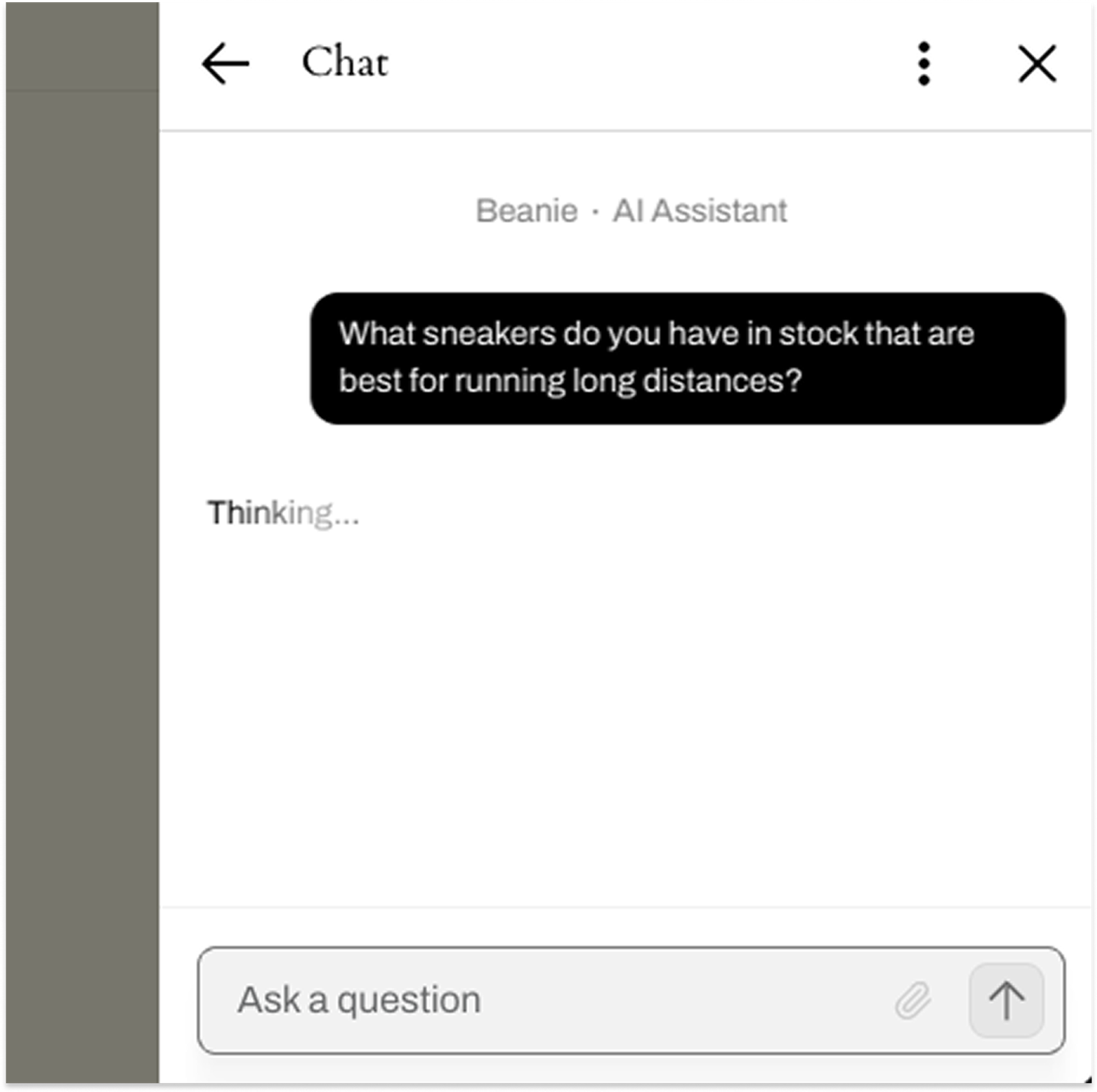
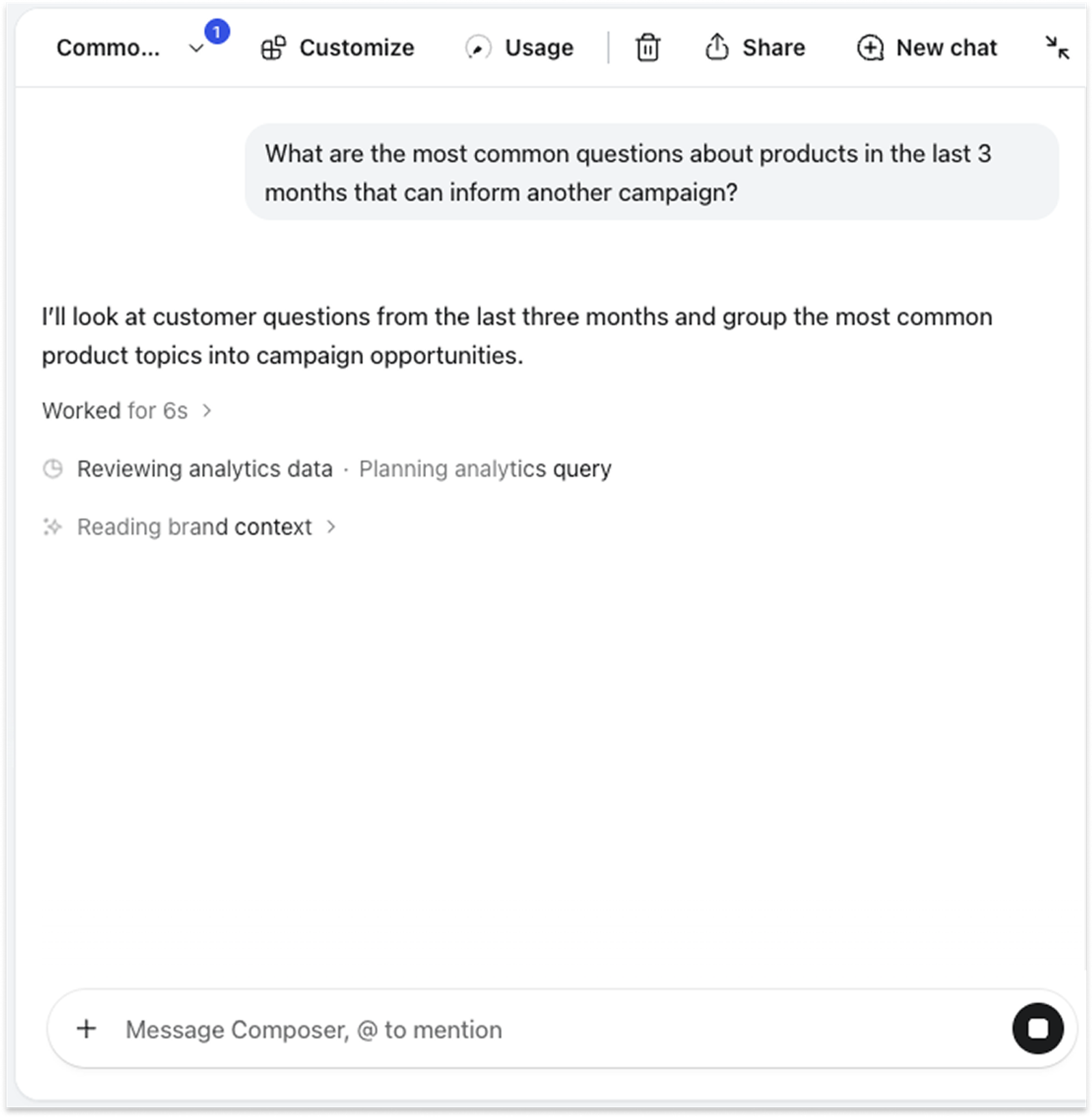
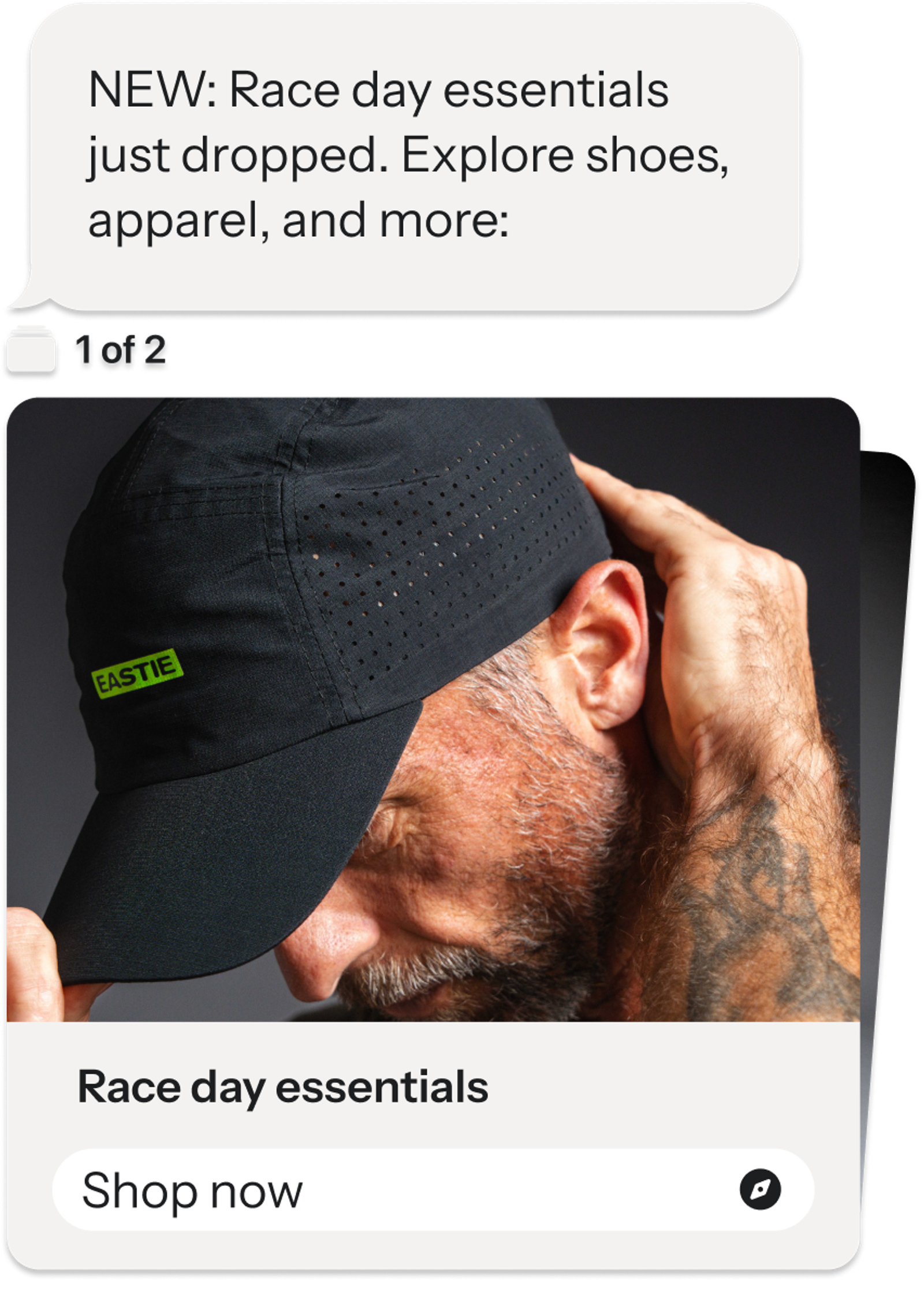
Explore where to improve and enrich the Customer Agent experience
After BFCM, use the high volume of conversations to improve the customer experience. Review to spot recurring questions and escalations. View the CX score for a deeper understanding of the customer experience, with a numeric rating. Then dig into those conversations to identify where those gaps are.
Click into each dropdown below to view common patterns, how to investigate them, and how you can tap into Composer to solve them:
Low link clicks during conversations
The problem: Customer Agent surfaces links based on the conversation content or customers’ needs. If the click rate is low, the agent isn’t surfacing help links or product links during conversations.
How to investigate: Check that the content includes links where relevant. Review the communication style rules to ensure responses don’t suppress links.
Ask Composer:
- When Customer Agent recommends a product, is it sharing a direct link to that product’s page?
- What should I update so Customer Agent shares relevant links without adding them when they aren’t useful?
- Are my communication style rules suppressing links?
Low percentage of conversations resolved
The problem: A low percentage of conversations are resolved by AI, and too many escalate to a human for resolution.
How to investigate: Resolve these gaps by filtering the Conversations table by escalated status, viewing the common first questions, and filling the gap with adjustments.
Ask Composer:
- What are the most common agent conversations that are escalated?
- What is prompting Customer Agent to pass these conversations to a human?
Conversations have low sales
The problem: Few online orders are being attributed to Customer Agent conversations. Note: Check sales attribution before making changes. Web chat uses a 24-hour window; SMS follows Klaviyo SMS attribution settings.
How to investigate: Review conversations to see if product recommendations are surfacing when shoppers ask purchase-related questions. Check the product catalogue is connected to recommend products to customers.
Ask Composer:
- Review conversations about products from the last 3 months. Is the agent attaching a link to recommended products?
- What percentage of my sales this week are attributed to text messaging?
Once you make changes, you can test Customer Agent by debugging poor responses, troubleshooting, and reviewing simulations. Learn more about testing Customer Agent conversations here.
Drive revenue beyond BFCM with AI-powered tools
Turn data into powerful post-BFCM marketing. Use the insights that the Customer Agent learns to enrich customer profiles, then use those new insights to build better segments and send more personalized campaigns and flows.
This is where Composer comes in. Click into each tab below to review what you can build:
Enrich Customer Agent with new insights
Why it matters: Customer Agent can uncover useful insights during conversations. Reviewing conversations can reveal opportunities to extend support and adjust your strategy, especially during BFCM and the post-BFCM surge.
What to do: Look for gaps you can fill with Customer Agent, such as text message replies that go unanswered, as a potential opportunity to use Customer Agent for two-way conversations. Ask Composer to analyze trends and make needed changes in Customer Agent for you.
This way, you can make timely adjustments to the agent and ultimately create better segments, flows, and campaigns.
Ask Composer:
- Analyze Customer Agent volume and trends. What changes can I make to Customer Agent based on those trends?
- Make Customer Agent sound warmer and more concise in its answers to customers.
- Simulate a conversation with a customer asking to cancel a late order. Show where the agent might need better guidance, then make those adjustments.
Support what happens after checkout
Why it matters: BFCM questions persist after purchase, especially regarding delivery, order status, returns, and refunds. Clear answers or handoffs help customers get the right support.
What to do: When applicable, update delivery and return information. Create post-purchase flows that improve the customer experience and confidence in your brand.
Ask Composer:
- Review recent Customer Agent conversations to identify recurring post-purchase questions or needs, such as delivery, order tracking, returns, or refunds. Flag any potential gaps.
- Review recent Customer Agent conversations to identify customers who inquired about a delivery delay. Draft a flow to send a check-in with support information.
- Update my agent’s guidance for delivery questions. Have it acknowledge the customer’s concern, check available order information, and explain the next steps.
Follow-up on purchase intent
Why it matters: After BFCM, customers may have queried specific products, left items in their carts, or revealed their potential purchase interests during conversations. Drive more revenue by following up with relevant products that pique their interest.
What to do: Review conversations and determine recurring interest. Create a campaign featuring products or categories that customers showed interest in but did not purchase.
Ask Composer:
- Review Customer Agent conversations from BFCM and identify recurring product interests and questions that could inform follow-up campaigns.
- Draft a follow-up campaign for shoppers who asked about [product] but haven’t purchased it. Use available profile data, and exclude customers who already bought it.
Recommend the next product
Why it matters: A BFCM purchase can be the start of the next purchase. Customer Agent conversations and available profile or purchase data can help reveal what customers are interested in. Using those signals to recommend a relevant next product can make follow-up more helpful and support repeat purchases.
What to do: Review conversations and product catalog for any potential gaps or recurring conversations. Use Composer to draft a post-purchase flow that recommends a relevant complementary or next product based on what the customer bought or asked about.
Ask Composer:
- Update my agent’s guidance to use available profile and purchase information to make relevant [new product] recommendations. Avoid recommending [new product] if the customer has already purchased.
- Review post-purchase conversations. What are the most common questions about [product category] that can inform another campaign?
- Draft a post-purchase flow for customers who bought [product]. Use available purchase history and Customer Agent profile properties to recommend complementary products they haven’t purchased yet.
Learn more about tapping into Customer Agent using Composer here.