How to add new automated flows
Flows run 24/7 to reach customers at exactly the right moment. So, while you focus on growing your business, flows generate revenue in the background, nurturing relationships without any manual effort.
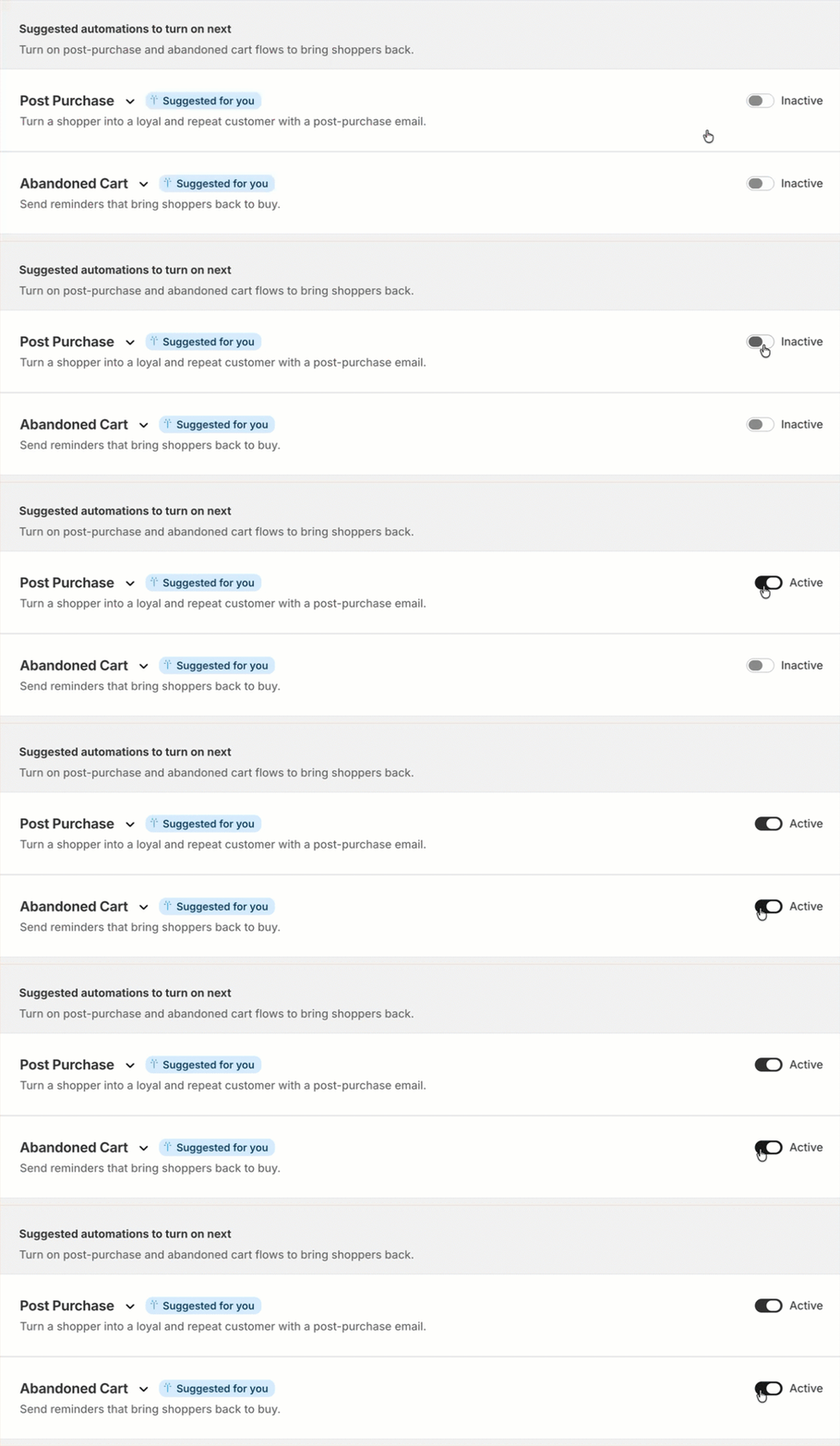
Klaviyo recommends a set of proven flows that you can switch on in just a few clicks. The GIF below shows this process: simply navigate to Canvas and toggle on the automation you want to set live. You can expand a dropdown to preview and edit the content as needed.
Personalize flows for your brand
Now that you know how to set up your foundational marketing flows, let’s take a step back and discuss how you can further refine these for your brand. As a reminder, all you need to do is to click into a flow to open up the email builder and edit the content within.
Click into each of the tabs below to learn more about the flows you can create within your account.
Welcome series
A welcome series makes a strong first impression, introduces your brand, and sets the stage for a long-term customer relationship.
Review the default welcome series timing and messaging, and tailor it to match your brand voice, whether warm and conversational or sleek and minimal. Update the sender name and from address so every email feels personal and on-brand.
Quick tips:
- Send the first email immediately after sign-up to capture attention while interest is highest.
- Include a welcome discount to drive the first purchase and reward new subscribers.
- Showcase your brand story in the second email to deepen the connection and build loyalty.
Abandoned cart
An abandoned cart flow recovers lost revenue by reminding shoppers of exactly what they left behind, bringing them back to complete their purchase.
Quick tips:
- Use urgency language like 'still thinking it over?' to gently nudge shoppers back to their cart.
- Include a product image so shoppers immediately see what they left behind.
- Add recommendations for best-selling items or items frequently bought together to spur further interest.
Post-purchase
A post-purchase flow turns one-time buyers into loyal repeat customers by thanking them for their order and guiding them toward their next step with your brand.
Quick tips:
- Thank the customer by name to make the message feel personal and genuine.
- Include an order summary so customers have everything they need in 1 place.
- Include links to your social media accounts where customers can learn more about your brand and even tag you in posts that feature what they bought.
How do you grow from here?
The foundation is set. Now, it's time to refine and expand. The next step is to monitor the results of these first sends.
It's an exciting next stage: every improvement you make compounds over time, driving more revenue and deeper customer loyalty with less effort. Continue onto the next lesson to learn more.